Practical 7
Setting of web server on raspberry pi
Steps :
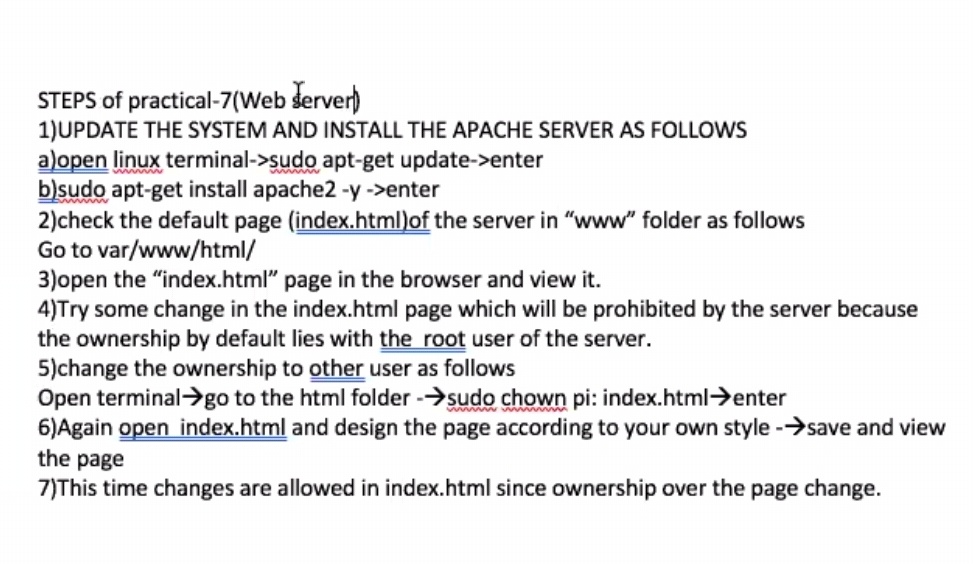
- Update the system & install apache server
- Open terminal
sudo apt updateSudo apt install apache2 -y- Check the default page of sever in www folder as follows
cd /var/www/html- open the "index.html" page in the browser and view it.
- Try some change in the index.html page which will be prohibited by the server because the ownership by default lies with the root user of the server.
- Change the ownership to other user as follows
- Open terminal →go to the html folder →
sudo chown pi: index.html- Again open index.html and design the page according to your own style ->save and view the page.
- This time changes are allowed in index.html since ownership over the page change.